

Why Businesses and Individuals Are Choosing Dashlane for Password Security
In a world where people manage dozens—or sometimes hundreds—of online accounts, password security has become an everyday concern rather than a task reserved for technology experts. From email and banking to shopping, work platforms, and social media, almost every digital service asks users to create credentials. Remembering a different strong password for every account can feel like juggling a handful of keys while trying not to lose any. That is why password managers have become an important part of modern digital life.
Dashlane is a password management service designed to help people and organizations store, create, manage, and use login credentials more securely. Instead of relying on simple passwords or reusing the same one across websites, users can keep credentials in an encrypted vault and use tools such as password generation and autofill. Businesses can also use password management to help employees access work accounts while reducing unsafe credential-sharing habits.
But what makes Dashlane appealing compared with simply saving passwords in a browser or writing them down? The answer lies in convenience, security features, and the ability to manage credentials across multiple devices and accounts. Understanding those benefits—as well as the limitations of any password manager—can help individuals and businesses decide whether Dashlane is a suitable choice.
Table of Contents
What Dashlane Does
Dashlane works as a digital vault for login credentials and other sensitive information. Users can save website usernames and passwords, create new credentials, and organize their information so they can retrieve it when needed. The service also supports passkeys, secure notes, personal information, payment details, and identity information, with features available across its web and mobile applications.
Think of Dashlane as a secure key cabinet for your online life. Instead of carrying the same key to every door, you keep a different key for each account and let the password manager help you use the right one. This approach makes it easier to avoid password reuse, which is a risky habit because a compromised password can otherwise open more than one account. A password manager can also reduce the temptation to choose short, memorable passwords simply because they are easier to type.
Dashlane is designed to work across devices, so a user can manage credentials from a computer, phone, or supported browser. This matters because modern account access rarely happens on just one device. Someone might sign in to a work platform on a laptop, check a personal account on a phone, and make an online purchase on a tablet. Having credentials organized in one protected place can make these everyday transitions less frustrating.
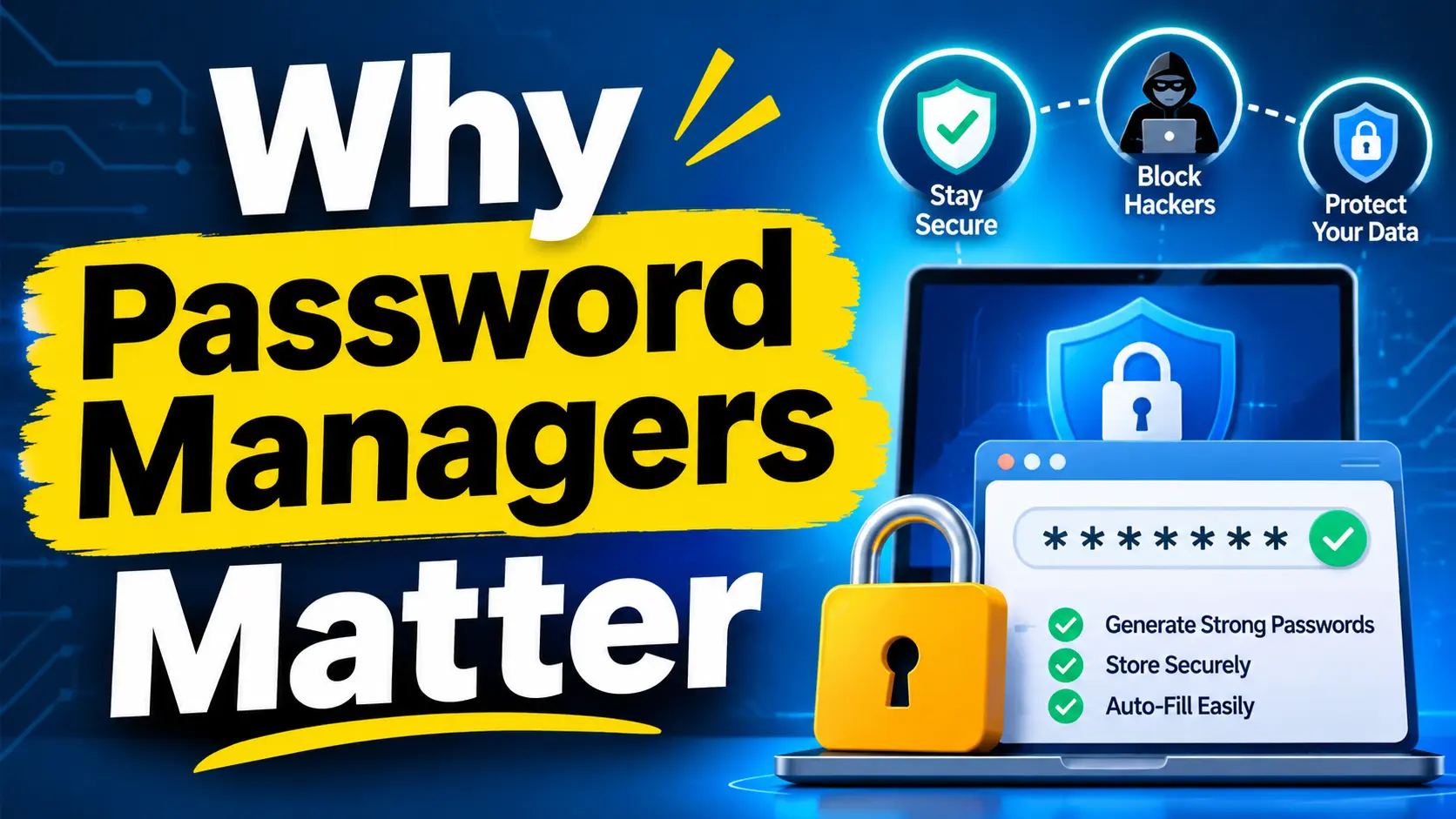
Why Password Managers Matter
Many people still rely on a few familiar passwords, small variations of the same password, or browser-saved credentials without reviewing their security. These habits can create problems when a website experiences a data breach or when a user falls for a phishing message. If one reused password is exposed, attackers may try it on other services, hoping to gain access to email, shopping, banking, or workplace accounts.
A password manager helps address this problem by making unique passwords more practical. You do not have to remember every complicated password yourself; you only need to protect access to the password manager and use its tools responsibly. Dashlane can generate passwords and store them for later use, making it easier to create strong credentials for accounts that might otherwise be protected by weak or repeated passwords.
Password managers are not a magic shield, though. They cannot stop every phishing attempt, protect a device that is already compromised, or guarantee that a user will never lose access to an account. Their value comes from improving everyday password habits and reducing avoidable risks. When combined with multi-factor authentication, device updates, and careful browsing, a password manager can become an important part of a sensible security routine.
Password Storage and Autofill
One of Dashlane‘s most practical features is its ability to store and autofill login credentials. Once a user saves a login, the password manager can help fill in the relevant fields when the user returns to a supported website. This saves time, particularly for people who frequently sign in to multiple services throughout the day. It can also reduce typing errors and make long, randomly generated passwords easier to use.
Autofill is more than a convenience feature. When users can rely on a password manager to enter credentials, they may be less likely to copy passwords into notes, messages, or spreadsheets. They also have less reason to use the same password repeatedly. Dashlane’s current feature documentation lists password management and autofill across supported web and mobile experiences, although the exact behavior can vary by platform and browser.
Users should still pay attention to the website where credentials are being entered. Autofill should not be treated as permission to trust every pop-up or login page. If a page looks unusual, uses a suspicious domain, or asks for unexpected information, stop and verify it before signing in. A password manager is most effective when convenience is paired with a little healthy caution.
Password Generation and Security Monitoring
Dashlane includes a password generator that can create strong passwords instead of requiring users to invent them. This is useful when signing up for a new service or changing an existing password after a security concern. A randomly generated password can be difficult to guess, and storing it in the vault means the user does not need to memorize it. The generator and password-management features are listed in Dashlane’s current plan comparison.
Dashlane also offers Password Health and security alerts. These tools can help users identify credentials that may need attention, such as weak or reused passwords, and monitor certain security-related risks. Dark Web Monitoring is included in the current personal plan feature comparison, helping users stay informed about selected information that may appear in exposed data.
These features are especially helpful for people who have accumulated accounts over many years. A person may have signed up for dozens of services and forgotten which passwords were reused or which accounts still contain old credentials. A security review can turn that scattered collection into a manageable task: identify the most important accounts, update vulnerable passwords, and strengthen access to email and financial services first.
Passkeys and Secure Sharing
Passkeys are another reason password managers are evolving beyond traditional password storage. Instead of relying on a password typed into a login form, passkeys use cryptographic credentials designed for passwordless authentication. Dashlane supports passkey management across its current web and mobile feature set.
Dashlane says passkeys created in its service after April 24, 2025, receive an additional security approach involving confidential computing. The company describes this as a way to protect the private key associated with a passkey through secure cloud-enclave technology. This is a specialized security feature, but the everyday benefit is simple: users can manage modern passwordless credentials alongside their other login information.
Secure sharing can also be useful when people need to provide access to a trusted person or colleague. Instead of sending a password in an ordinary email or chat message, users can use the service’s sharing options where available and appropriate. Sharing should still follow the principle of least privilege: give someone access only to what they need, and remove access when it is no longer required.
Simplifying Everyday Account Management
For individuals, the biggest advantage of Dashlane may be the way it removes small but repeated frustrations from daily internet use. People often forget passwords, struggle with account recovery, or spend time resetting credentials when they need to access a service quickly. A password manager can make those tasks less disruptive by keeping login information organized and ready to use.
Dashlane’s current Premium plan advertises unlimited passwords and passkeys, unlimited devices, secure sharing, Password Health, Dark Web Monitoring, and other security features. It also includes secure notes and encrypted file storage, according to the personal plan comparison.
That combination can be useful for someone who wants to manage more than just website passwords. Secure notes can hold information that needs protection, while personal information and payment details can help with supported forms. Rather than scattering sensitive details across a notebook, phone notes, and browser profiles, users can keep compatible information organized in one service.
Protecting Personal and Family Accounts
Families often share access to streaming services, household accounts, travel bookings, or other subscriptions. Sharing credentials casually can become confusing, especially when several people need access or when a password changes. Dashlane‘s Friends & Family plan is designed for up to 10 members under one subscription, with a dashboard for the plan manager.
A family password manager can make it easier to organize shared accounts while keeping personal logins separate. Parents can also help family members develop better password habits, such as using unique credentials and enabling additional authentication where supported. This is particularly useful for teenagers who are beginning to manage their own online accounts and may not yet understand the risks of password reuse.
The plan’s features are not necessarily identical for every member. Dashlane’s current comparison notes that the plan manager has access to the included VPN for Wi-Fi protection, while invited members do not receive that VPN access. Families should review the current plan details before choosing it, rather than assuming every feature is shared equally among all members.
Centralized Password Management
Businesses face a different password challenge from individuals. Employees may need access to customer relationship management systems, cloud storage, project management tools, accounting software, and internal platforms. When credentials are managed informally, companies can end up with passwords shared through email, spreadsheets, or messaging applications. These practices make it harder to control access and determine who still has permission to use a business account.
Dashlane‘s professional password-management offering is designed to help organizations manage employee credentials, passkeys, and secure sharing. Its current business pricing page describes Omnix Password Management as a service for protecting employee passwords and passkeys, sharing workforce credentials securely, managing password policies, and integrating with identity systems such as SSO and SCIM.
Centralized password management can be especially valuable when employees join or leave a company. Instead of relying on informal instructions, administrators can use organizational controls to manage access and support account transitions. The precise controls available depend on the plan and configuration, so businesses should evaluate the product against their own identity-management requirements.
Admin Controls and Employee Security
Dashlane‘s professional plans also include tools intended for IT and security teams. Its current plan comparison describes features such as admin vault policies, integrations, and secure credential sharing. The separate Omnix Credential Protection offering focuses on detecting and responding to credential risks, including credential-risk alerts and phishing-related insights.
For a growing business, these capabilities can help create more consistent security practices. Administrators can establish rules for how employees manage work credentials, while security teams can investigate risks and respond when credentials may be exposed. This is particularly relevant for organizations with remote or hybrid teams, where employees access business systems from different locations and devices.
A password manager does not replace a complete identity and access management strategy. Businesses still need to manage permissions, secure devices, monitor suspicious activity, and remove access when employees no longer need it. Dashlane can support those processes, but the organization must configure and use the available controls appropriately.
Encryption and Zero-Knowledge Design
Security is the foundation of any password manager, because the service protects information that could unlock many other accounts. Dashlane describes its architecture as zero-knowledge, meaning vault data is encrypted on the user’s device and decrypted on authorized devices. The company says it cannot view the contents of users’ vaults because it does not hold the keys needed to decrypt them.
Dashlane’s published architecture describes AES-256-CBC with HMAC-SHA256 for vault encryption and separate keys for authentication and data protection. It also describes secure communication between devices and servers, as well as device-specific authentication. These are technical protections designed to reduce the risk of unauthorized access to stored credentials and synchronized data.
The company also says it uses AWS Nitro Enclaves for certain confidential computing operations. Secure enclaves are designed to isolate sensitive processing from the surrounding cloud infrastructure. For businesses, this can be relevant when evaluating how a provider protects sensitive operations, though organizations should review the technical documentation and security assurances that apply to the particular product and plan they are considering.
A zero-knowledge design is a meaningful security feature, but it should not be misunderstood as a promise that every possible attack is impossible. If an attacker gains control of an unlocked device, tricks a user into approving a malicious login, or compromises an endpoint, the risk may exist outside the vault’s encryption model. Good security depends on protecting both the stored data and the devices used to access it.
Security Limitations and Responsible Use
The most important password manager security habit is to protect the account that opens the vault. Use a strong, unique master password if your account uses one, and enable available multi-factor authentication. Dashlane supports two-factor authentication for protecting the Dashlane account, and its security documentation describes additional authentication and recovery options.
Users should also review account recovery settings before they need them. A password manager can protect credentials very effectively, but losing access to the vault can be stressful if recovery options have not been configured. Dashlane documents account recovery options, including an account recovery key and other methods depending on the account type. Check which options are available to your account and store recovery information somewhere safe and separate from the vault itself.
It is also wise to keep your operating system, browser, and password manager updated. Avoid installing extensions from unofficial sources, and be cautious when a website unexpectedly asks you to reveal or export stored credentials. If you suspect that your device or account has been compromised, change important passwords from a trusted device and review the security settings of your email and financial accounts first.
Subscription Options and Value
Dashlane offers personal and professional plans, and its current plan pages show a simplified selection of options. The personal lineup includes Premium for individuals and Friends & Family for up to 10 members. The professional lineup includes Omnix Password Management, Omnix Credential Protection, and Enterprise options with custom packaging.
Pricing can vary by country, billing period, promotion, and plan. The current official pricing pages display subscription options and annual-billing information, but the price shown at checkout is the one to rely on before making a purchase. Businesses should request a quote or demo if they need advanced credential-risk detection, integrations, or organization-wide controls.
Plan type | Intended audience | Main focus |
Premium | Individual users | Passwords, passkeys, autofill, monitoring, and secure sharing |
Friends & Family | Up to 10 people | Shared subscription with personal vaults and a plan manager |
Omnix Password Management | Businesses | Employee credentials, secure sharing, policies, and integrations |
Omnix Credential Protection | Security teams | Credential-risk detection and response |
Enterprise | Larger or specialized organizations | Customized credential security package |
The value of Dashlane depends on how much you use it and which features you need. Someone managing only a few low-risk accounts may prefer a simpler or free password-management option. A person with many accounts, multiple devices, and a need for monitoring or secure sharing may find a paid plan more worthwhile. For businesses, the cost should be compared with the time spent managing credentials manually and the security risks of informal password practices.
Pros and Potential Drawbacks
Dashlane offers a number of advantages, but it is sensible to consider the trade-offs before subscribing. Its feature set is broad, and the combination of password storage, passkeys, autofill, security alerts, and sharing can make account management easier. Businesses may also benefit from administrative controls and integrations that are designed for organizational use.
There are some considerations, too. Dashlane is a subscription service, so users should review renewal terms and the current cost before committing. Some features differ by plan, device, or platform, and the Friends & Family plan does not provide every feature identically to every member. Users who prefer a fully offline solution may also want to compare Dashlane’s cloud-synchronization approach with alternatives that emphasize local-only storage.
Advantages | Considerations |
Password and passkey management in one vault | Subscription cost for paid plans |
Autofill and password generation | Some features vary by platform |
Security alerts and Dark Web Monitoring | Monitoring does not prevent every account attack |
Secure sharing options | Sharing still requires careful access control |
Personal and business plan choices | Organizations may need plan-specific setup |
Zero-knowledge security architecture | Device security and recovery remain the user’s responsibility |
A fair evaluation should focus on your actual needs rather than the longest feature list. If you only want to store passwords, compare the basic experience and cost. If you need a password manager for a company, assess the administrative controls, identity integrations, reporting, and employee onboarding and offboarding process. The best solution is the one people will use consistently and securely.
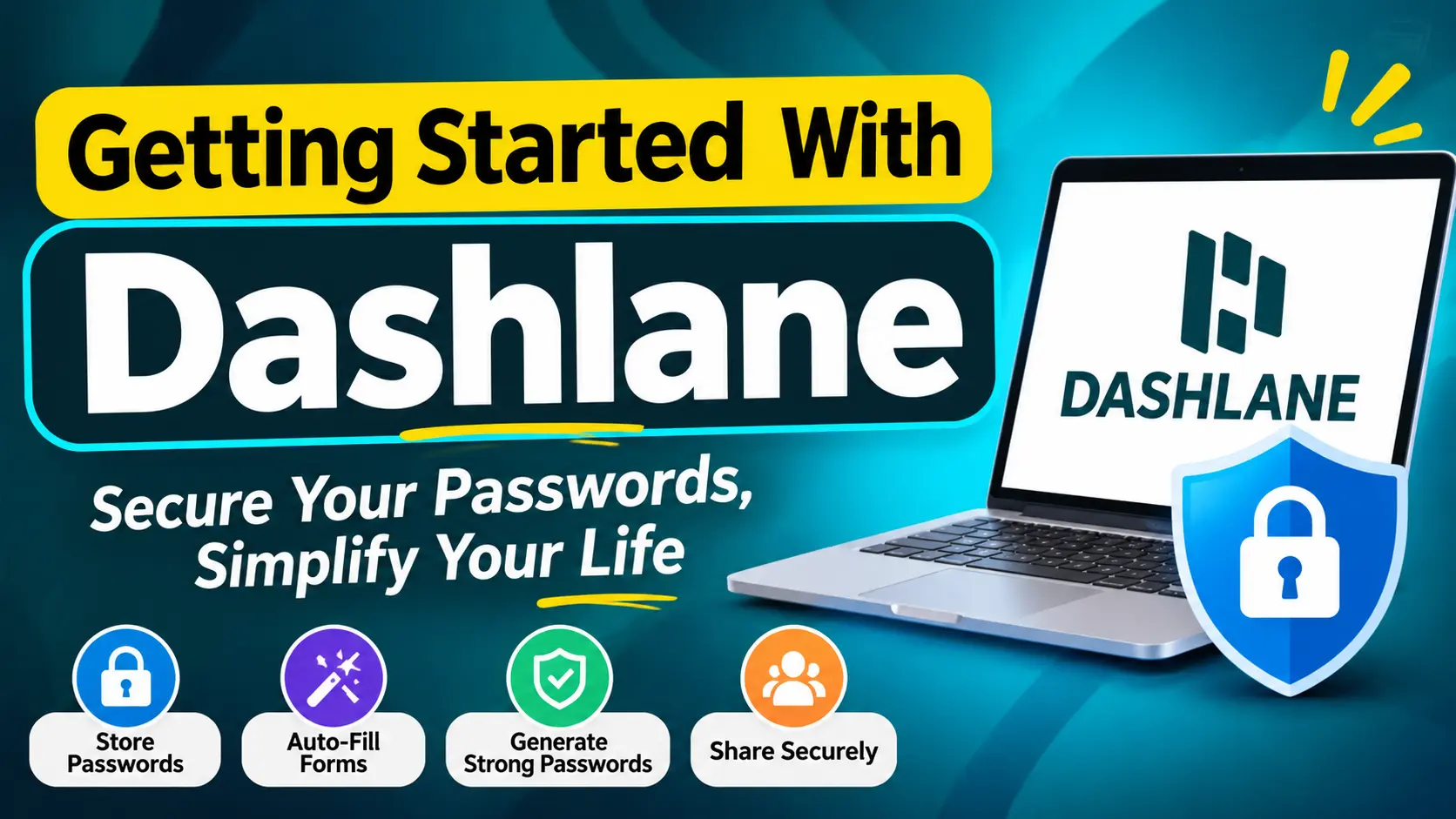
Getting Started With Dashlane
Getting started generally begins with choosing a suitable plan and creating an account through Dashlane‘s official website. After signing up, install the supported browser extension or app for your devices and follow the setup instructions. Dashlane’s getting-started documentation explains that personal-plan users can access their accounts across supported devices, including computers and mobile phones.
If you already have passwords saved in a browser or another password manager, you may be able to import them into Dashlane. Before importing, review the source file or export carefully and remove any credentials you no longer need. Password exports can contain sensitive information in readable form, so delete the export file securely after the import is complete and avoid leaving it in a shared folder or email attachment. Dashlane lists password import and export among its available features.
Once your vault is set up, start with your most important accounts. Update your email, banking, work, and social media passwords first, particularly if you have reused credentials across services. Use the password generator for new passwords, enable multi-factor authentication where possible, and check the security alerts or Password Health tools to identify accounts that need attention.
For business users, setup should include a plan for employee access and account ownership. Decide which credentials can be shared, who can manage them, and how access will be removed when someone changes roles or leaves the organization. A short onboarding guide can help employees understand how to use the password manager correctly and where to ask for help.
Conclusion
The main reasons are convenience, a broad set of credential-management features, and a security architecture designed to protect sensitive vault information. Individuals can use Dashlane to create stronger passwords, manage passkeys, autofill login forms, and monitor certain security risks. Families can organize shared accounts, while businesses can use professional tools to manage employee credentials and strengthen access practices.
Dashlane is not a substitute for every part of cybersecurity, and it cannot guarantee that an account will never be compromised. Users still need to protect their devices, configure recovery options, use multi-factor authentication, and stay alert to phishing attempts. Businesses should also evaluate the plan’s administrative features and integrations against their own security requirements.
For people who manage many accounts and want a more organized way to protect them, Dashlane can be a practical password-security solution. The best approach is to review the current plans, choose the features that match your needs, and use the password manager consistently. Strong, unique credentials become much easier to maintain when the tools supporting them are convenient and trustworthy.
Frequently Asked Questions
Q. Is Dashlane a good password manager for individuals?
Dashlane can be a useful option for individuals who want to store passwords and passkeys, use autofill, generate strong credentials, and monitor certain security risks. Its Premium plan includes unlimited passwords and devices, along with features such as secure sharing and Dark Web Monitoring.
Q. Can businesses use Dashlane to manage employee passwords?
Yes. Dashlane’s professional offerings include password management for employee credentials, secure sharing, password policies, and integrations with identity systems. Organizations can also consider credential-protection products designed to help security teams detect and respond to credential risks.
Q. Does Dashlane encrypt stored passwords?
Dashlane describes its vaults as encrypted locally on users’ devices and says it uses a zero-knowledge architecture. Its published security documentation describes AES-256-CBC with HMAC-SHA256 for vault encryption and states that vault data is decrypted on authorized devices.
Q. Does Dashlane support passkeys?
Yes. Dashlane supports passkey management across its current web and mobile feature set. The company also describes additional confidential-computing protection for passkeys created in Dashlane after April 24, 2025.
Q. Is Dashlane free to use?
Dashlane offers paid personal and professional plans, and plan availability and pricing can vary by region and billing arrangement. Check the official pricing page for the current options and price displayed for your location before subscribing.
Table of Contents
You May Also Like
A Complete Guide to Using Restoro for Windows PC Troubleshooting
official.times.software
November 23, 2026
Read More »

How PatPat Is Changing the Way Parents Shop for Affordable Kids’ Clothing
official.times.software
November 23, 2026
Read More »

The Ultimate Guide to Using ActivTrak for Better Workforce Productivity
official.times.software
November 23, 2026
Read More »

Exploring Audiobooks.com: What Makes This Platform Popular Among Book Lovers?
official.times.software
November 22, 2026
Read More »

Finding the Right Skincare Routine: Exploring the Products Offered by Sunday Riley
official.times.software
November 22, 2026
Read More »